
04 / SYSTEMDELIVER
The Project Delivery System
Plan to criteria. Review before release. Finish on acceptance.
An operating system for turning an accepted engagement into accepted work, so that every deliverable is planned against agreed criteria, reviewed before the client sees it, approved by the right person, and handed on with evidence.
$149 USD, one-time purchase
Get the System (opens in a new tab)One-time purchase. Delivered as a digital download. All sales final. Digital product policy

Delivery problems are failures of definition, not skill.
The work starts before anyone agrees what "finished" means. A draft goes to the client because the deadline arrived, not because it passed a review. A "quick change" is absorbed. The final files are sent, and three weeks later nobody is sure whether the client ever accepted the work.
- Rework late in the project, because the criteria were never written down.
- Approval that stalls, because the reviewer cannot approve, or the approver was never asked clearly.
- Scope that grows without anyone deciding it should.
- Projects that are "nearly done" for weeks.
- An invoice disputed because the client does not agree the work was finished.
What the research shows
- A study of 127 projects found that success has several dimensions, and the client's judgment of the work is one of them, distinct from time and budget.
- In software engineering, explicit, measurable exit criteria for each stage removed many misunderstandings about when work was finished. The guide uses this as an analogy.
Sources: Shenhar et al.; Project Management Institute; Fagan. None of this research measures delivery in small service businesses directly.
Work is finished when the client has accepted it against criteria agreed before it started, not when the team stops working on it.
The operating process: READY → PLAN → PRODUCE → REVIEW → APPROVE → COMPLETE
READY
Accept the onboarding handoff and confirm the engagement can be delivered as agreed.
Output Delivery Handoff Record marked Accepted; Delivery Record opened
PLAN
Turn the agreed scope into a baseline: deliverables, milestones, owners, dates and acceptance criteria.
Output Delivery baseline that has passed the Plan Check
PRODUCE
Do the planned work, keep progress tied to evidence, and control change.
Output Versioned work; current Change Request Log
REVIEW
Check the work internally against its criteria, then run one controlled client review round.
Output Internal pass; consolidated client feedback
APPROVE
Obtain and record the client's decision on a specific version against the agreed criteria.
Output Review & Approval Record with the client's decision
COMPLETE
Close delivery: accepted work handed over, every open item owned, and the next Systems informed.
Output Acceptance Record; Support Handover Record where support applies
PRODUCE, REVIEW and APPROVE repeat for each deliverable or milestone. READY, PLAN and COMPLETE happen once per engagement.
Every stage defines the same seven things: OWNER · INPUT · ACTION · OUTPUT · EVIDENCE · HANDOFF · CHECK.
The tools
- Flagship
Delivery Baseline & Plan Check
Decide whether the plan is complete enough to start production.
- Flagship
Review & Approval Record
Record the internal review, the client feedback and the client's decision on one version.
- Change Request Log. Classify every request outside the baseline and record its decision.
- Completion & Handoff Checklist. Close delivery and produce the Acceptance Record and Support Handover Record.
- Delivery Audit. Find what to fix first in the way you deliver today.
- Delivery Configuration Workbook. Configure the System for one repeatable service.
- Stage Gate Checklists. Check the evidence behind READY, PRODUCE and COMPLETE.

What’s included
- Guide pages
- 85
- Customer files
- 11
- Tools
- 7
- System Guide, 85 pages, with 400 fillable fields
- Six fillable tool PDFs, including both flagship tools
- Delivery Operations Workbook (Excel): 9 sheets with dropdowns
- Client Templates (Word): 15 messages and 8 client pages
- Internal Records (Word): 5 records, editable tools and a Stage Configuration Map
- A two-page Start Here guide
Formats: PDF (fillable), Excel and Word. Delivered as a digital download; no physical product is shipped. Photography shows the guide printed, as a visualization.


Who it is for
Service businesses of any size, from a single consultant to a multi-person firm.
It is designed for a named Delivery Lead on each engagement, with producers, reviewers and a client approver around them.
How to implement it
- Run the Delivery Audit to find what to fix first.
- Configure one repeatable service with the Delivery Configuration Workbook.
- Use the Plan Check before production on your next engagement.
- Record every client review and decision in the Review & Approval Record.
- Follow the guide's first-30-days plan.
The guide includes a rollout chapter, a worked example, guidance for running it in the tools you already use, and a first-30-days plan.
Use a System with the tools you already have.
Your existing tools
Use the operating method without changing your software.
AvariHQ Platform
Implement the System inside AvariHQ.
Explore PlatformAvariHQ Services
Get help configuring or implementing it.
Explore Services
Questions
Is this software?
No. The Project Delivery System is an operating method: stages, ownership, records and checks, with the tools to run them. It runs in the tools you already use.
Do I need AvariHQ or the other Systems?
No. Each System can be used on its own, with any software. Where the series connects, the guide shows the handoff, and if you use AvariHQ the guide shows which features can hold each part.
What formats are the files?
The System Guide and the tools are PDFs with fillable fields, and they print cleanly. The operations workbook is an Excel spreadsheet. The client templates and internal records are editable Word documents.
Is this a printed book?
No. It is a digital download. The photography shows the System Guide printed, as a visualization; you receive the files and can print them yourself if you prefer.
Can I use it with my team and clients?
Yes, within one business. The license covers internal team use and use of the client-facing materials with your own clients. Resale, redistribution and sublicensing are not permitted.
What does it not cover?
It is an operating guide. It does not provide: legal advice, including deemed-acceptance clauses, warranties or liability; project-management certification; tax, accounting or regulatory advice, or any claim of compliance; software: the files do not send messages or create automations.
One system. One business license.
Every AvariHQ System is licensed for use inside one business, including your team and your own clients.
Permitted
- Use inside one business/entity
- Internal employee and team use
- Use client-facing materials with your own clients
- Unlimited engagements with your own clients
Not permitted
- Resale
- Redistribution
- Sublicensing
- Sharing with unrelated businesses
- Derivative template resale
- Upload to public repositories
All digital product sales are final, subject to applicable consumer rights.
Systems are delivered as digital downloads, so we do not offer refunds for a change of mind. Please read what is included before you buy.
If you cannot access your files, a file is defective, or the product materially differs from its description, email support@avarihq.com and we will restore access, replace the file or provide the remedy the law requires. This does not affect your statutory rights.
Start learning the method for free
Cornerstone guide
How to control project delivery, scope changes and client approvals
Delivery problems rarely start with the work. They start with an unclear baseline, changes nobody decided on and approvals nobody recorded. Here is how to control all three.
Read the guideFree tool
Project Change Request Template
Whenever a client asks for something outside the agreed baseline.
Download freeSelf-assessment
The Client Operations Assessment
Score all seven stages and see where to start. About ten minutes.
Take the assessment
Connected Systems
Each System can be used on its own. These are the stages it hands records to and receives them from.

The Client Onboarding System
Turn a signed agreement into a delivery-ready engagement, with clear roles, usable inputs and an accepted handoff.
$149 USD, one-time purchase

The Client Billing System
Connect agreed scope, delivered work, invoices and payment, so every invoice is traceable and every cycle closes.
$149 USD, one-time purchase
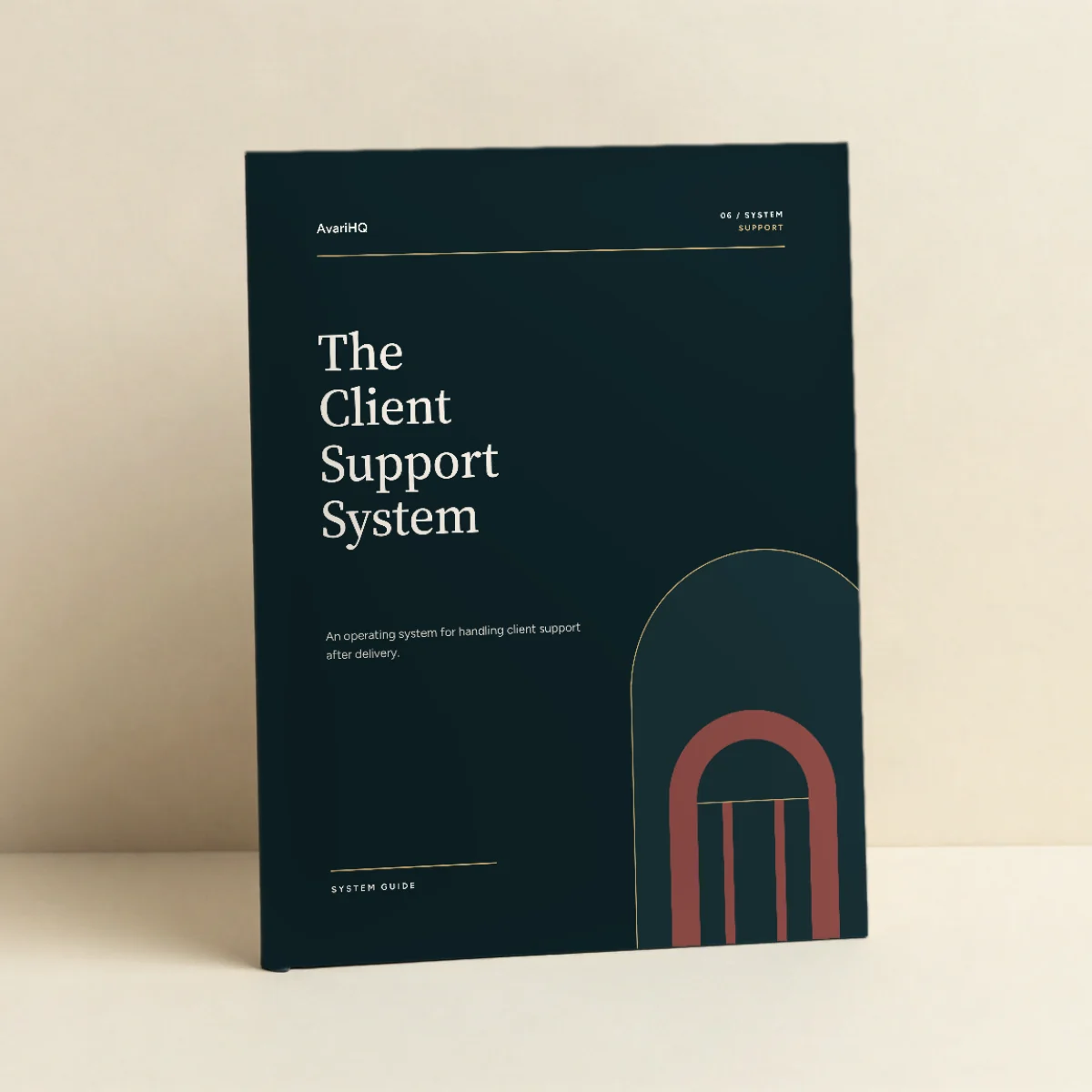
The Client Support System
Resolve every support need properly and with the least client effort, and remove the causes of repeat needs.
$149 USD, one-time purchase
- 01ACQUIREClient Acquisition System
- 02CONVERTClient Conversion System
- 03ONBOARDClient Onboarding System
- 04DELIVERProject Delivery System
- 05BILLClient Billing System
- 06SUPPORTClient Support System
- 07GROWClient Growth System
Also available in
- Client Delivery & Support Collection $379 for 3 Systems, USD one-time.
- Complete Client Operations Collection $799 for 7 Systems, USD one-time.
04 / SYSTEM · DELIVER
Plan to criteria. Review before release. Finish on acceptance.
$149 USD, one-time purchase
Get the System (opens in a new tab)One-time purchase. Delivered as a digital download. All sales final. Digital product policy