01 / SYSTEMACQUIRE
The Client Acquisition System
Define the fit. Answer every inquiry. Decide on purpose.
An operating system for turning inquiries into qualified opportunities, so that every inquiry is recorded, answered within a standard you set, and judged against a written definition of fit.
$149 USD, one-time purchase
Get the System (opens in a new tab)One-time purchase. Delivered as a digital download. All sales final. Digital product policy

Inquiries leak before any selling begins.
Most service businesses do not lose clients at the proposal. They lose them earlier, in the gap between someone getting in touch and someone doing something about it. That is not a failure of marketing. It is a failure of operation.
- Inquiries live in inboxes, phones and memories instead of one register.
- Nobody owns a new inquiry, so everyone assumes someone else replied.
- Response speed depends on who happened to be free.
- Qualification depends on mood and capacity, because fit was never written down.
- Inquiries are neither pursued nor closed. They just fade.
What the research shows
- In an audit of 2,241 US companies sent a test inquiry through their website, 37% responded within an hour and 23% never responded. The study covered many industries, not only service businesses.
- Firms that tried to contact a lead within an hour were far more likely to qualify it than firms that waited. This is an association, not proof that speed alone causes the result.
Sources: Oldroyd, McElheran and Elkington; Federal Reserve Banks, Small Business Credit Survey. Full notes are in the guide.
An inquiry becomes an opportunity only when it has been recorded, answered, and judged against a written definition of fit.
The operating process: TARGET → ATTRACT → INTAKE → RESPOND → QUALIFY
TARGET
Write down who is a fit, for what, under what conditions, and who is not.
Output Client Fit Profile
ATTRACT
Run a small number of deliberate routines for the sources that bring good-fit inquiries.
Output Source Routine Plan
INTAKE
Record every inquiry in one register, from every channel, with an owner.
Output Enquiry Register entry
RESPOND
Answer within the standard, understand the need and agree the next step.
Output Timestamped first response
QUALIFY
Decide against the fit profile: Yes, Not now, or No, with the reason recorded.
Output Qualified Opportunity Record, or a recorded decline or deferral
TARGET and ATTRACT are set up once and reviewed. INTAKE, RESPOND and QUALIFY happen for every inquiry.
Every stage defines the same seven things: OWNER · INPUT · ACTION · OUTPUT · EVIDENCE · HANDOFF · CHECK.
The tools
- Flagship
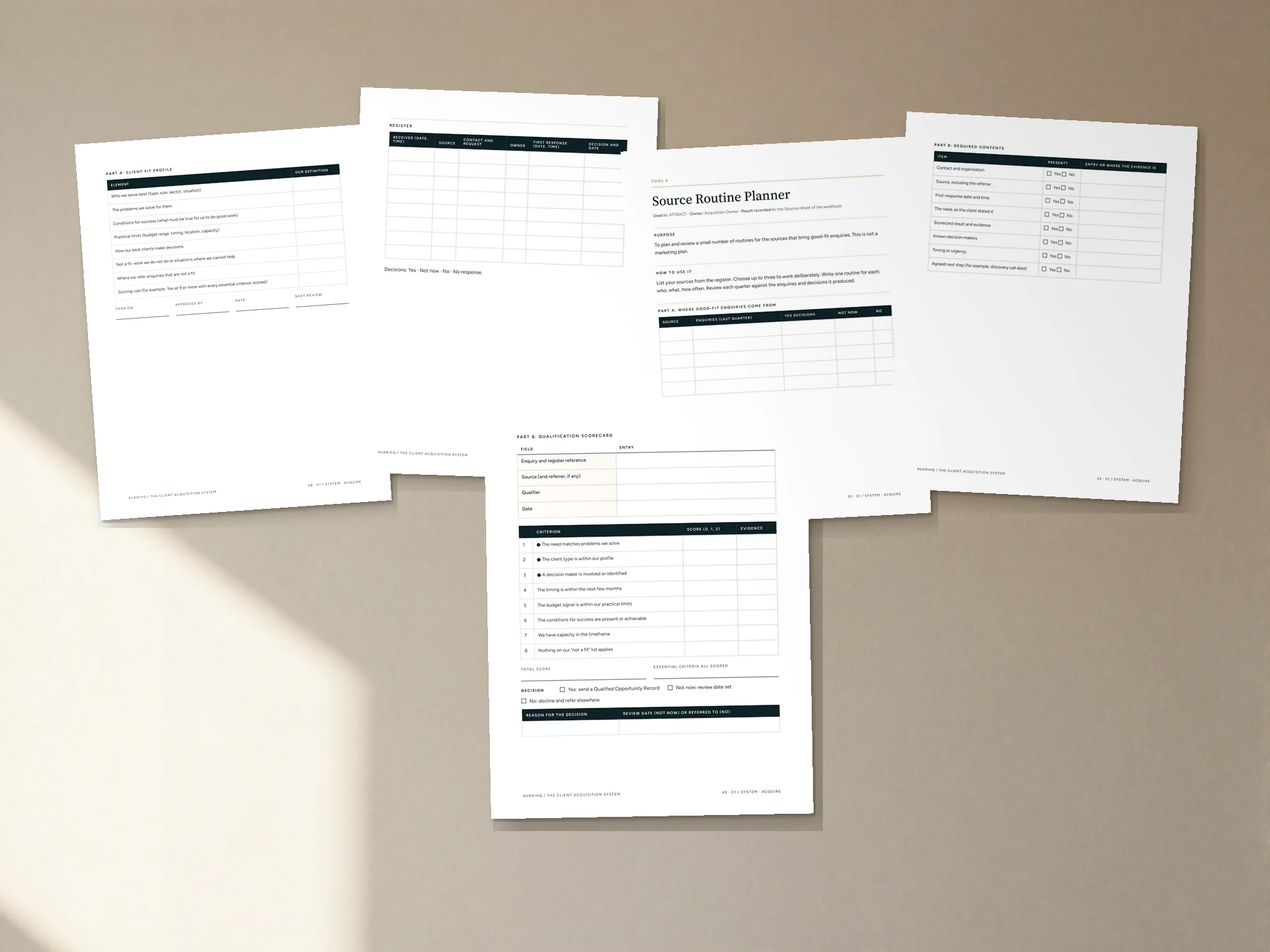
Client Fit Profile & Qualification Scorecard
Write the definition of fit, then score each inquiry against it.
- Flagship
Enquiry Register & Response Tracker
One record of every inquiry, its owner, its response time and its decision.
- Qualified Opportunity Record. Hand a qualified opportunity to 02 / CONVERT with evidence.
- Source Routine Planner. Plan and review the routines that bring good-fit inquiries.
- Acquisition Audit. Find what to fix first, before rollout and at each review.
- Acquisition Configuration Workbook. Configure the System for your business.
- Stage Gate Checklists. Check the evidence behind TARGET, INTAKE and QUALIFY.
What’s included
- Guide pages
- 71
- Customer files
- 11
- Tools
- 7
- System Guide, 71 pages, with 296 fillable fields
- Six fillable tool PDFs, including both flagship tools
- Acquisition Operations Workbook (Excel): Enquiry Register with response and overdue flags, plus running records
- Client Templates (Word): 11 editable messages
- Internal Records (Word): editable records and tools
- A one-page Start Here guide
Formats: PDF (fillable), Excel and Word. Delivered as a digital download; no physical product is shipped. Photography shows the guide printed, as a visualization.


Who it is for
Service businesses of any size, from a single consultant to a multi-person firm.
It is designed for whoever owns new inquiries: the business owner or a named team member.
How to implement it
- Run the Acquisition Audit to find what to fix first.
- Write your Client Fit Profile and set your response standard.
- Configure the System with the Acquisition Configuration Workbook.
- Record every new inquiry in the Enquiry Register from day one.
- Follow the guide's first-30-days plan, then review on a regular rhythm.
The guide includes a rollout chapter, a worked example, guidance for running it in the tools you already use, and a first-30-days plan.
Use a System with the tools you already have.
Your existing tools
Use the operating method without changing your software.
AvariHQ Platform
Implement the System inside AvariHQ.
Explore PlatformAvariHQ Services
Get help configuring or implementing it.
Explore Services
Questions
Is this software?
No. The Client Acquisition System is an operating method: stages, ownership, records and checks, with the tools to run them. It runs in the tools you already use.
Do I need AvariHQ or the other Systems?
No. Each System can be used on its own, with any software. Where the series connects, the guide shows the handoff, and if you use AvariHQ the guide shows which features can hold each part.
What formats are the files?
The System Guide and the tools are PDFs with fillable fields, and they print cleanly. The operations workbook is an Excel spreadsheet. The client templates and internal records are editable Word documents.
Is this a printed book?
No. It is a digital download. The photography shows the System Guide printed, as a visualization; you receive the files and can print them yourself if you prefer.
Can I use it with my team and clients?
Yes, within one business. The license covers internal team use and use of the client-facing materials with your own clients. Resale, redistribution and sublicensing are not permitted.
What does it not cover?
It is an operating guide. It does not provide: marketing instruction, including advertising, search, content or social-media strategy; sales training or persuasion technique; legal or privacy advice, including consent for marketing communications; software.
One system. One business license.
Every AvariHQ System is licensed for use inside one business, including your team and your own clients.
Permitted
- Use inside one business/entity
- Internal employee and team use
- Use client-facing materials with your own clients
- Unlimited engagements with your own clients
Not permitted
- Resale
- Redistribution
- Sublicensing
- Sharing with unrelated businesses
- Derivative template resale
- Upload to public repositories
All digital product sales are final, subject to applicable consumer rights.
Systems are delivered as digital downloads, so we do not offer refunds for a change of mind. Please read what is included before you buy.
If you cannot access your files, a file is defective, or the product materially differs from its description, email support@avarihq.com and we will restore access, replace the file or provide the remedy the law requires. This does not affect your statutory rights.
Start learning the method for free
Cornerstone guide
How to build a repeatable client acquisition process for a service business
Define who is a fit, record every inquiry in one place, answer within a standard you set, and qualify against written criteria, so good opportunities stop leaking before any selling begins.
Read the guideFree tool
Client Fit & Qualification Checklist
When you write down who your good-fit clients are, and each time you decide on a new inquiry.
Download freeSelf-assessment
The Client Operations Assessment
Score all seven stages and see where to start. About ten minutes.
Take the assessment
Connected Systems
Each System can be used on its own. These are the stages it hands records to and receives them from.
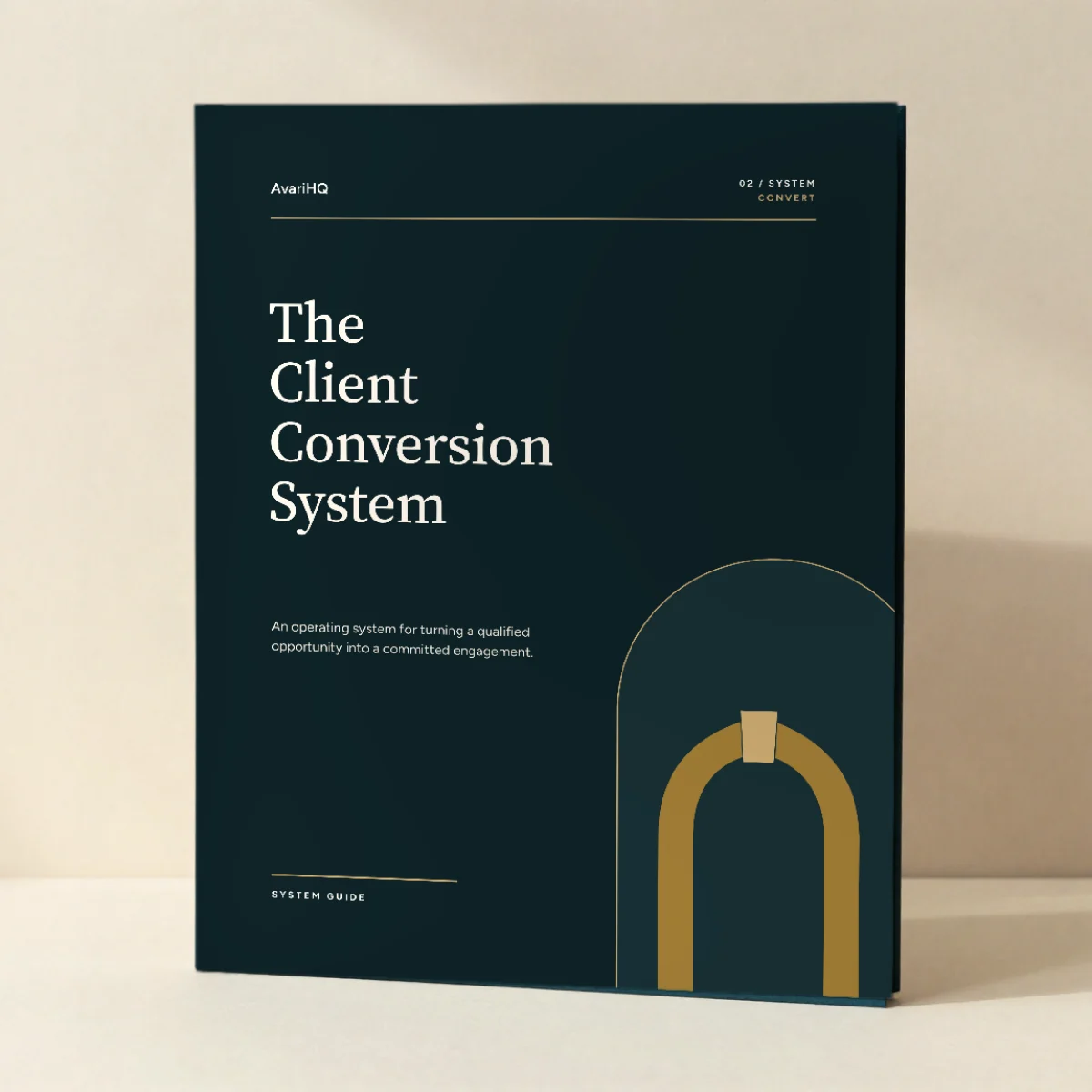
The Client Conversion System
Turn a qualified opportunity into a committed engagement with an exact scope and agreed acceptance criteria.
$149 USD, one-time purchase

The Client Growth System
Grow existing relationships on evidenced value, and ask for renewal, more work or introductions deliberately.
$149 USD, one-time purchase
- 01ACQUIREClient Acquisition System
- 02CONVERTClient Conversion System
- 03ONBOARDClient Onboarding System
- 04DELIVERProject Delivery System
- 05BILLClient Billing System
- 06SUPPORTClient Support System
- 07GROWClient Growth System
Also available in
- Client Acquisition & Onboarding Collection $379 for 3 Systems, USD one-time.
- Complete Client Operations Collection $799 for 7 Systems, USD one-time.
01 / SYSTEM · ACQUIRE
Define the fit. Answer every inquiry. Decide on purpose.
$149 USD, one-time purchase
Get the System (opens in a new tab)One-time purchase. Delivered as a digital download. All sales final. Digital product policy