06 / SYSTEMSUPPORT
The Client Support System
Resolve it properly. Make it easy. Make sure it does not come back.
An operating system for handling client support after delivery, so that every support need is resolved properly and with the least client effort, and every repeat need is traced to a cause and removed.
$149 USD, one-time purchase
Get the System (opens in a new tab)One-time purchase. Delivered as a digital download. All sales final. Digital product policy

Most small firms do not have a support process. They have an inbox.
A client emails a question to whoever they last spoke to. It is answered quickly, or it waits a week because that person is on leave. A small change is done as a favor and never recorded. A problem is fixed for one client and appears again for the next, because nobody noticed it was the same problem.
- Requests are lost because they arrived through the wrong channel.
- Everything is treated as urgent, so nothing is prioritized.
- The fix is fast but wrong, and the client has to come back.
- New work is done free, because it arrived disguised as support.
- The same issue keeps returning, because each instance is fixed and none is prevented.
What the research shows
- In a study of more than 75,000 customers of contact-center and self-service channels, 94% of those reporting low effort said they intended to buy again. These are intentions, not observed behavior, and the study was not of professional-service firms.
- The same study reported that 22% of repeat calls involved downstream issues related to the original problem.
Sources: Dixon, Freeman and Toman; Bitner et al.; Keiningham et al.; Gupta and Zeithaml. The guide makes no claim about response times or retention.
Resolve every support need properly and with the least client effort. Trace every repeat need to a cause and remove it.
The operating process: RECEIVE → TRIAGE → RESOLVE → VERIFY → PREVENT
RECEIVE
Capture every support need through one route and acknowledge it within your standard.
Output Register entry; acknowledgement
TRIAGE
Classify the need by type, impact and urgency, flag complaints, and route anything that is not support.
Output Classification and priority on record
RESOLVE
Meet the need properly, with the least effort for the client, and anticipate the next related issue.
Output Resolution and client update
VERIFY
Confirm with the client that the need is resolved and check for related issues before closing.
Output Confirmed closure; closing check
PREVENT
Review repeat needs monthly, find causes, remove them, and send relationship signals to growth.
Output Problem Log actions; Relationship Signals Summary
RECEIVE to VERIFY happen for every support need. PREVENT happens once a month, across all of them.
Every stage defines the same seven things: OWNER · INPUT · ACTION · OUTPUT · EVIDENCE · HANDOFF · CHECK.
The tools
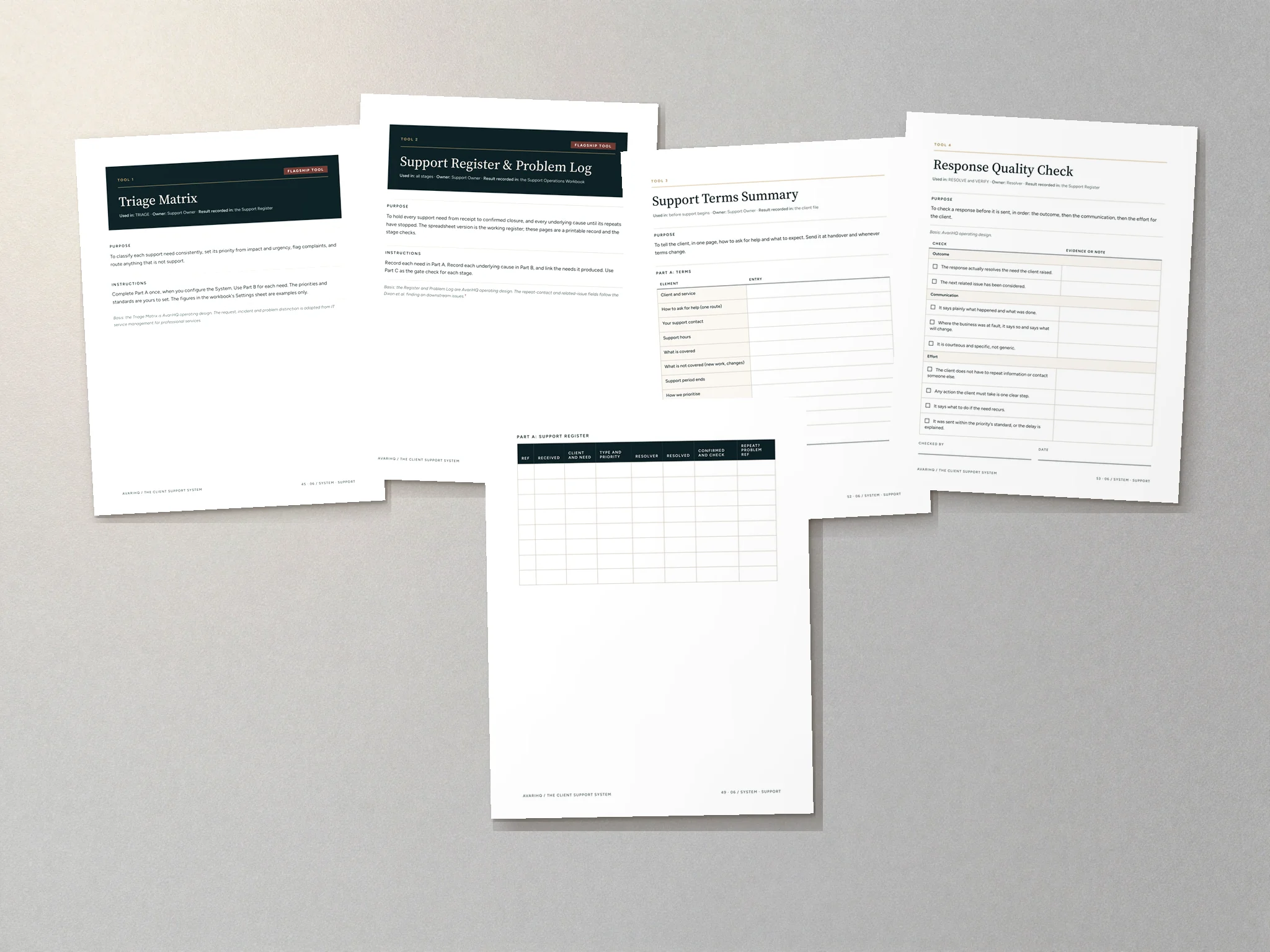
- Flagship
Triage Matrix
Classify each need by type, impact and urgency; flag complaints; route what is not support.
- Flagship
Support Register & Problem Log
Record every need and every repeat cause, with a full trail.
- Support Terms Summary. Tell clients how to ask for help and what to expect.
- Response Quality Check. Check a response before it is sent.
- Monthly Prevention Review. Find and remove the causes of repeat needs.
- Relationship Signals Summary. Send what support has learned to 07 / GROW.
- Support Audit. Find what to fix first, before rollout and at each review.
What’s included
- Guide pages
- 66
- Customer files
- 12
- Tools
- 7
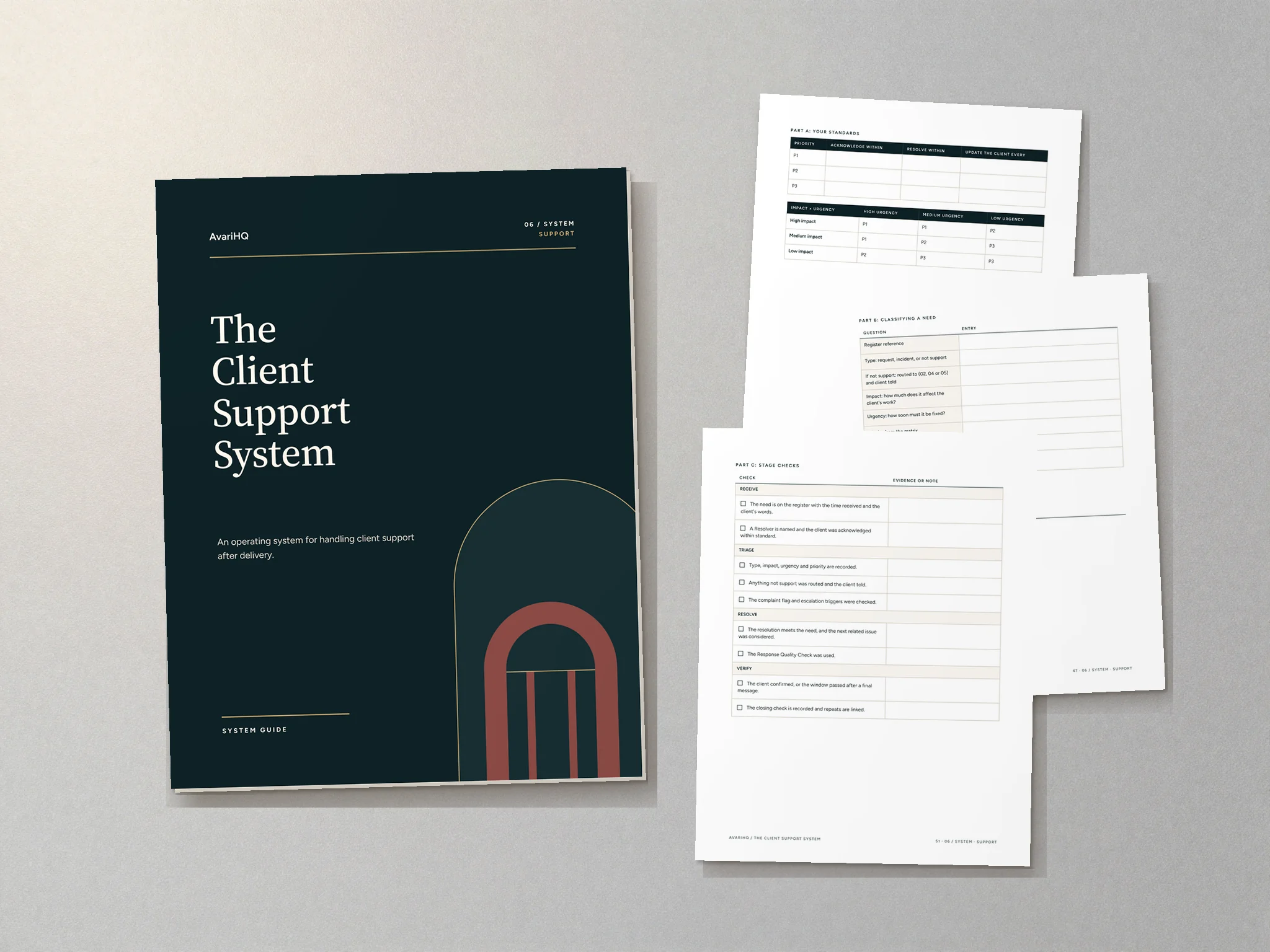
- System Guide, 66 pages, with 321 fillable fields
- Seven fillable tool PDFs, including both flagship tools
- Support Operations Workbook (Excel): Support Register with priority from impact and urgency, Problem Log and monthly signals
- Client Templates (Word): 9 editable response messages
- Internal Records (Word): handover acceptance, printable register and editable tools
- A one-page Start Here guide
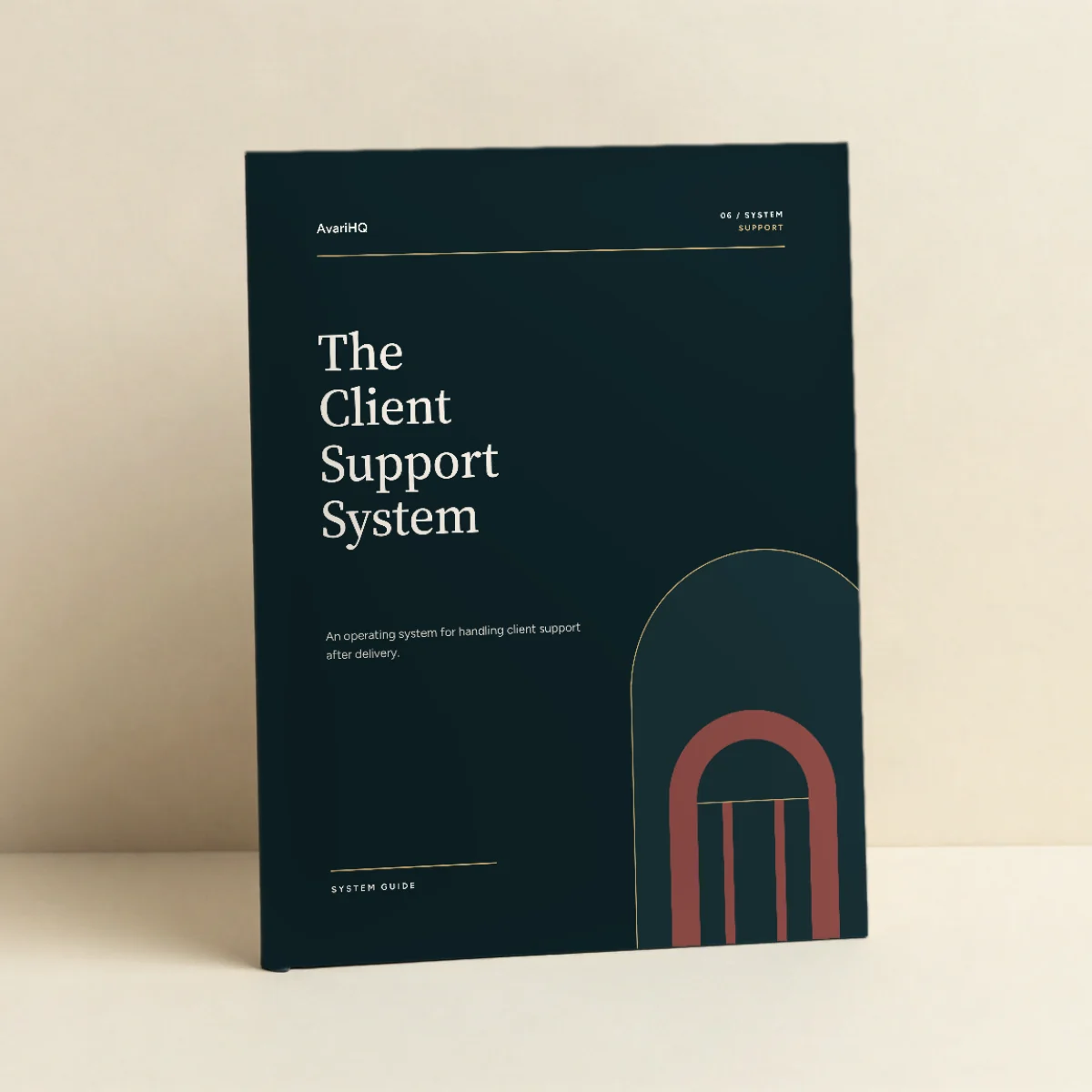
Formats: PDF (fillable), Excel and Word. Delivered as a digital download; no physical product is shipped. Photography shows the guide printed, as a visualization.

Who it is for
Service businesses of any size, from a single consultant to a multi-person firm.
It is designed for one named Support Owner, often the principal or an operations lead, with resolvers around them.
How to implement it
- Run the Support Audit to find what to fix first.
- Set your standards in the Triage Matrix and publish the Support Terms Summary to clients.
- Record every support need in the Support Register.
- Hold the Monthly Prevention Review.
- Follow the guide's first-30-days plan.
The guide includes a rollout chapter, a worked example, guidance for running it in the tools you already use, and a first-30-days plan.
Use a System with the tools you already have.
Your existing tools
Use the operating method without changing your software.
AvariHQ Platform
Implement the System inside AvariHQ.
Explore PlatformAvariHQ Services
Get help configuring or implementing it.
Explore Services
Questions
Is this software?
No. The Client Support System is an operating method: stages, ownership, records and checks, with the tools to run them. It runs in the tools you already use.
Do I need AvariHQ or the other Systems?
No. Each System can be used on its own, with any software. Where the series connects, the guide shows the handoff, and if you use AvariHQ the guide shows which features can hold each part.
What formats are the files?
The System Guide and the tools are PDFs with fillable fields, and they print cleanly. The operations workbook is an Excel spreadsheet. The client templates and internal records are editable Word documents.
Is this a printed book?
No. It is a digital download. The photography shows the System Guide printed, as a visualization; you receive the files and can print them yourself if you prefer.
Can I use it with my team and clients?
Yes, within one business. The license covers internal team use and use of the client-facing materials with your own clients. Resale, redistribution and sublicensing are not permitted.
What does it not cover?
It is an operating guide. It does not provide: iT service management: it does not implement or certify against ITIL, ISO/IEC 20000 or ISO 10002; legal advice, including warranties, liability or consumer rights; software; guaranteed results: it makes no claim about response times or retention.
One system. One business license.
Every AvariHQ System is licensed for use inside one business, including your team and your own clients.
Permitted
- Use inside one business/entity
- Internal employee and team use
- Use client-facing materials with your own clients
- Unlimited engagements with your own clients
Not permitted
- Resale
- Redistribution
- Sublicensing
- Sharing with unrelated businesses
- Derivative template resale
- Upload to public repositories
All digital product sales are final, subject to applicable consumer rights.
Systems are delivered as digital downloads, so we do not offer refunds for a change of mind. Please read what is included before you buy.
If you cannot access your files, a file is defective, or the product materially differs from its description, email support@avarihq.com and we will restore access, replace the file or provide the remedy the law requires. This does not affect your statutory rights.
Start learning the method for free
Cornerstone guide
How to manage client support after project delivery
Most small firms do not have a support process. They have an inbox. A simple capture, triage and prevention routine turns scattered requests into resolved needs and fewer repeats.
Read the guideFree tool
Client Support Triage Worksheet
Daily for new requests, and once a month for the prevention review.
Download freeSelf-assessment
The Client Operations Assessment
Score all seven stages and see where to start. About ten minutes.
Take the assessment
Connected Systems
Each System can be used on its own. These are the stages it hands records to and receives them from.

The Project Delivery System
Plan every deliverable against agreed criteria, review before release and finish on a recorded client decision.
$149 USD, one-time purchase

The Client Growth System
Grow existing relationships on evidenced value, and ask for renewal, more work or introductions deliberately.
$149 USD, one-time purchase

The Client Billing System
Connect agreed scope, delivered work, invoices and payment, so every invoice is traceable and every cycle closes.
$149 USD, one-time purchase
- 01ACQUIREClient Acquisition System
- 02CONVERTClient Conversion System
- 03ONBOARDClient Onboarding System
- 04DELIVERProject Delivery System
- 05BILLClient Billing System
- 06SUPPORTClient Support System
- 07GROWClient Growth System
Also available in
- Client Delivery & Support Collection $379 for 3 Systems, USD one-time.
- Complete Client Operations Collection $799 for 7 Systems, USD one-time.
06 / SYSTEM · SUPPORT
Resolve it properly. Make it easy. Make sure it does not come back.
$149 USD, one-time purchase
Get the System (opens in a new tab)One-time purchase. Delivered as a digital download. All sales final. Digital product policy