
Operations & Automation / Article
When automation improves client operations, and when it creates friction
How to decide which steps to automate, which to keep personal and what to define before automating anything.
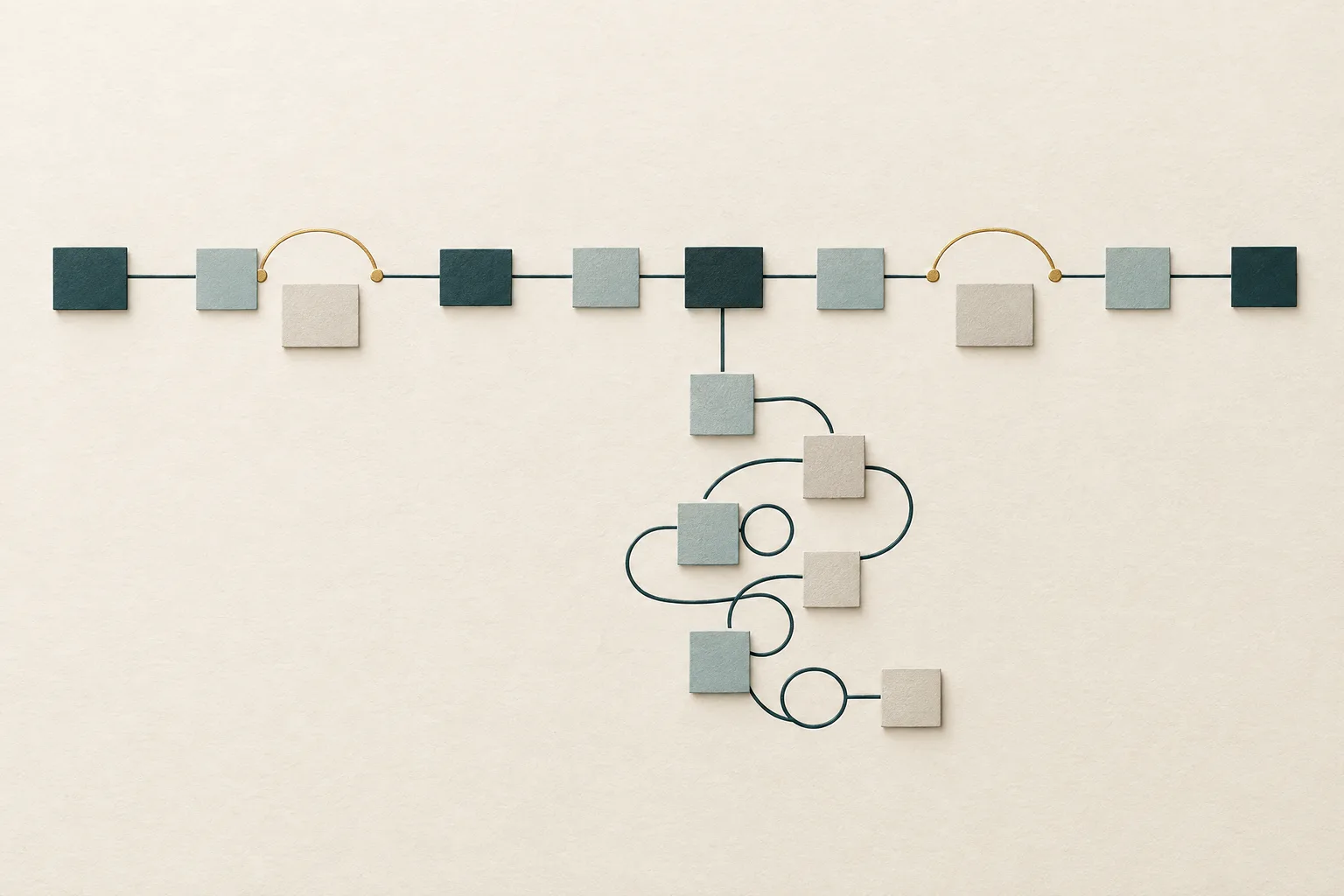
Automation is one of the most appealing ideas in running a service business. Send the welcome email automatically. Create the project automatically. Remind the client automatically. Every step that runs without someone remembering to do it feels like time returned.
Often it is. But automation also has a reputation for creating new problems: clients receiving messages that do not fit their situation, team members unsure whether a step happened, and processes that become harder to change because they are now encoded in rules nobody fully remembers. This article looks at when automation genuinely improves client operations, when it creates friction and how to tell the difference before you build.
Automation amplifies whatever process it is given
In 1990 Michael Hammer wrote an influential Harvard Business Review article titled Reengineering Work: Don't Automate, Obliterate. His argument was that organizations were using technology to speed up processes that should not have existed in their current form. Automating an inefficient process, he argued, only makes the inefficiency run faster.
The reengineering movement that followed had its own problems, but that core warning has aged well. Automation does not decide whether a process is good. It executes the process you give it, consistently and without judgment. If the process is clear and sound, that consistency is valuable. If the process is unclear or full of unnecessary steps, automation locks those problems in and makes them harder to see.
The ironies of automation
Research on industrial and aviation automation offers a second set of lessons. In a short and much-cited 1983 paper titled Ironies of Automation, the psychologist Lisanne Bainbridge pointed out that automating most of a task can make the remaining human part harder. People are left monitoring systems they no longer operate directly, and when something unusual happens they must step in with less practice and less awareness of what the system has been doing.
A later review by Raja Parasuraman and Victor Riley in 1997 described several ways people relate to automation, including misuse, meaning over-reliance on automation that leads to missed problems, and disuse, meaning people ignore automation they do not trust, for example after repeated false alarms.
These studies concern complex technical systems, and a client welcome sequence is not a cockpit. But scaled down, the same patterns are familiar. A team that relies on an automatic reminder stops checking whether the client actually responded. A notification that fires too often gets ignored, including on the day it matters.
When automation improves client operations
Automation tends to help most when four conditions are true.
The step is repetitive and predictable. It happens the same way for most clients, such as creating a project structure when a client is onboarded or sending a confirmation when a form is submitted.
The trigger is unambiguous. There is a clear event that should start the step: an agreement signed, a form completed, a stage changed.
A mistake is low cost or easy to see. If the automation does the wrong thing, someone will notice quickly and it can be corrected without damaging the client relationship.
The process is already working manually. The team has done the step by hand often enough to know what good looks like and what the exceptions are.
Good candidates in client operations include generating a standard folder or project structure for new clients, sending confirmations and simple next-step messages, creating recurring tasks for routine work and moving work to the next stage when a clear condition is met. In AvariHQ these are the kinds of steps supported by features such as automations and structured workflows, with availability depending on plan.
When automation creates friction
Automation tends to create friction in the opposite conditions.
When the step requires judgment. Deciding whether a client's request is in scope, how to respond to a frustrated message or whether a deliverable is ready all depend on context that rules capture poorly.
When the moment is relational. A thank-you after a difficult project, a check-in after a missed deadline or a renewal conversation lands differently when it is clearly personal. An automated message at the wrong moment can feel worse than no message.
When the process is not yet stable. If the team is still changing how a step works, automating it means rebuilding the automation each time, and in the meantime the automated version and the real process drift apart.
When nobody owns the automation. Rules built by one person and understood by nobody else become invisible infrastructure. When something goes wrong, nobody knows why a message was sent or a task created.
What to define before automating anything
Before building any automation, write down five things.
The process, as it works today, done manually. If you cannot describe it in a few sentences, it is not ready to automate.
The trigger. Exactly what event starts the automation, and what should not start it.
The exceptions. Which clients or situations should be handled differently, and how the automation will know.
The owner. Who is responsible for the automation working correctly and for updating it when the process changes.
The check. How the team will know the automation ran and did what it was supposed to. Visible results, such as a task appearing on a project or a message logged on the client record, are better than silent ones.
Writing these five things down often changes the plan. Teams regularly discover that a step they meant to automate has more exceptions than they realized, or that the real problem was an unclear handoff rather than a missing reminder. That discovery is valuable in itself, and it costs far less to make on paper than after the automation is live and clients are receiving its messages.
Keep automation visible and maintainable
Automation that works on the day it is built can quietly drift out of step with the business. Services change, templates are updated and new exceptions appear. A few practices keep automation healthy.
Keep an inventory. A simple list of every automation, what triggers it, what it does and who owns it is often enough. When something unexpected happens, the list is the first place to look.
Prefer visible actions. Automations that create a task, move a stage or log a message where the team can see it are easier to trust than those that act silently in the background. If the team can see what happened, they can catch mistakes early.
Review alongside the process. Whenever a workflow changes, check the automations that support it. A change to the onboarding process that is not reflected in the onboarding automation creates exactly the drift described above.
Watch for ignored notifications. If the team routinely dismisses an automated alert, it is either firing too often or not providing useful information. Both are reasons to change it rather than tolerate it, because an alert people have learned to ignore will be ignored when it matters.
Start small and expand. Automating one step, watching it for a few weeks and then adding the next is slower than automating an entire process at once, but it reveals exceptions while they are still easy to handle.
A practical example
A coaching practice automates its entire onboarding: payment triggers a welcome email, an intake form, three scheduled reminder emails and a calendar invitation. It works well until a client pays on behalf of their company and the messages go to their finance team, who are confused by intake questions about personal goals. Another client completes intake on day one but still receives two reminders to complete it.
The practice keeps the automation but changes three things. The welcome and intake request are sent only after the coach confirms the right contact. Reminders stop automatically when intake is complete. And the coach writes a short personal note at kickoff instead of relying on a template. The process is still mostly automated, but the steps that depend on judgment and relationship are back in human hands.
In summary
Automation improves client operations when it is applied to stable, repetitive steps with clear triggers, visible results and a named owner. It creates friction when it is used to replace judgment, to automate relational moments or to cover for a process that has not yet been defined.
Define the process first, automate the predictable parts and keep the moments that matter personal. If you want help deciding what to automate, the Automation Build service is scoped around a single defined automation objective. You can also compare what each plan includes on Pricing.
More from AvariHQ Resources
- AcquireHow to create a clearer path from inquiry to qualified opportunity
- OnboardWhy client onboarding breaks down after the sale
- ConvertWhat makes a client handoff reliable
30 days free. No credit card required.